Pay your first bill
Connect QIE Wallet, pick the bill, check it, sign once, and watch it arrive.
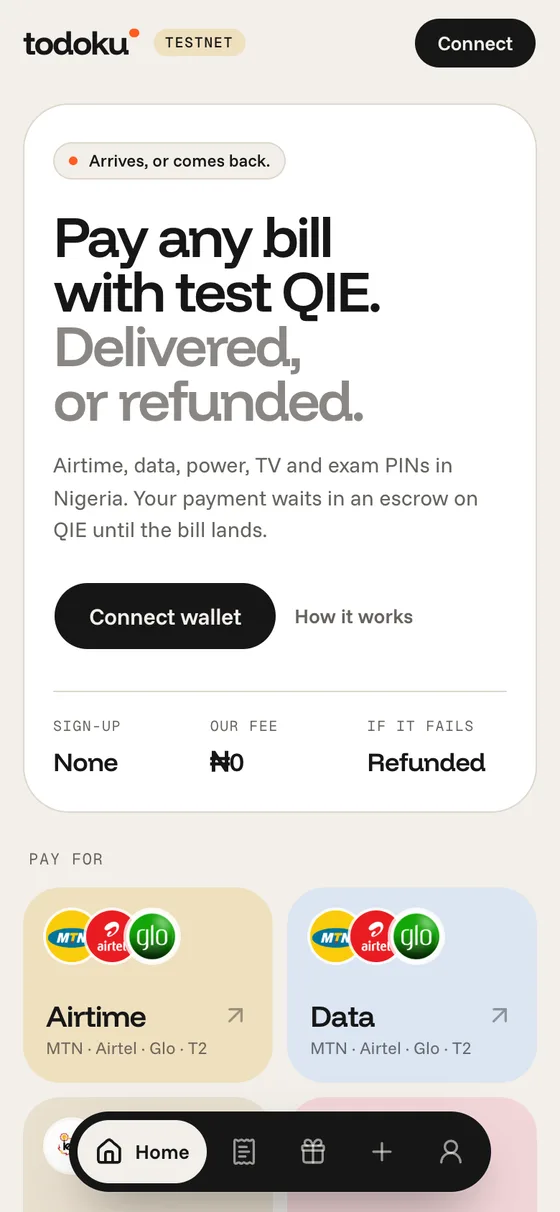
Open Todoku and connect
Open todokupay.xyz/app. Inside QIE Wallet's browser Todoku connects on its own. On a computer, tap Connect wallet: QIE Wallet is listed first as "Recommended", and any other browser wallet works too. Connecting moves nothing.
Pick the bill
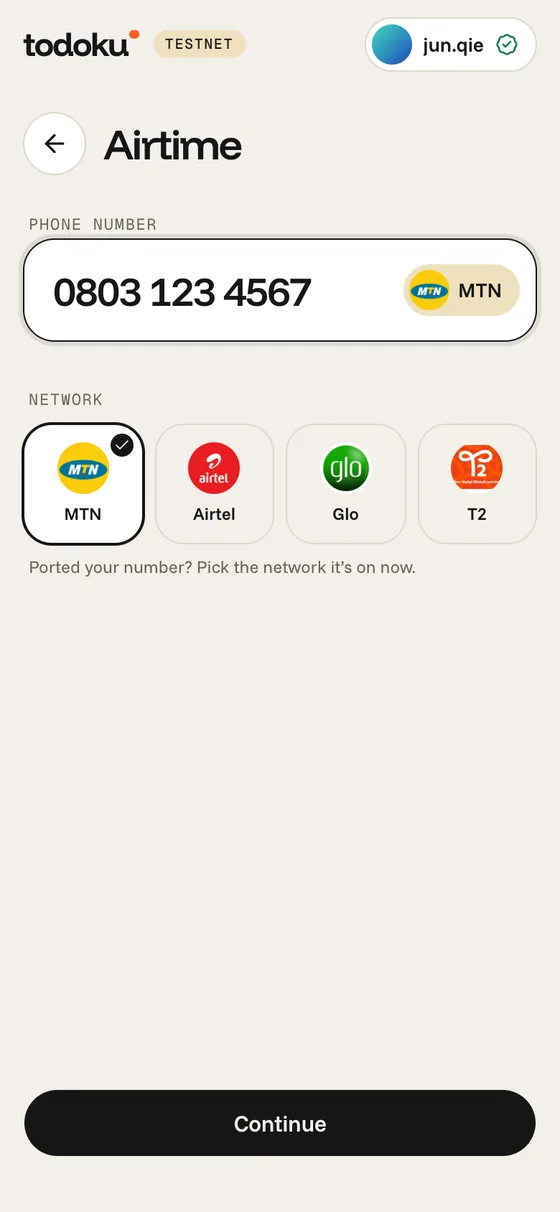
Tap Airtime, Data, Electricity, TV or Exam PINs under Pay for. Type the number: the network chip appears from the first four digits, and meters and smartcards are checked with the provider by name before you can continue.
Review and pay
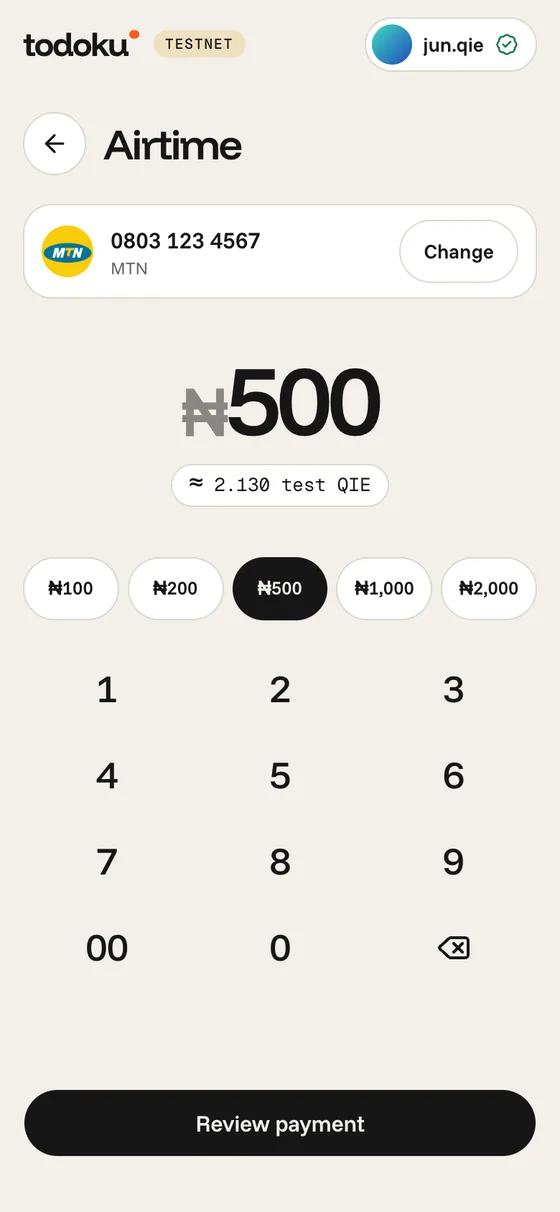
Review payment opens a sheet with the naira amount first, what it costs in QIE, and a 60-second hold. Choose QIE or QUSDC, then Pay ₦…. In QIE it is one signature.
Watch it land
The order page updates every 2 seconds: Paid, Delivered by MTN, Done. Paid and Done link their transactions on the QIE explorer. If the bill fails, the money comes back to your wallet in QUSDC on its own.
Paying needs only a connected wallet. Signing in (one free signature that proves the wallet is yours) is for private things: your history, electricity tokens, saved numbers and rewards.